Photography
- Docs updated
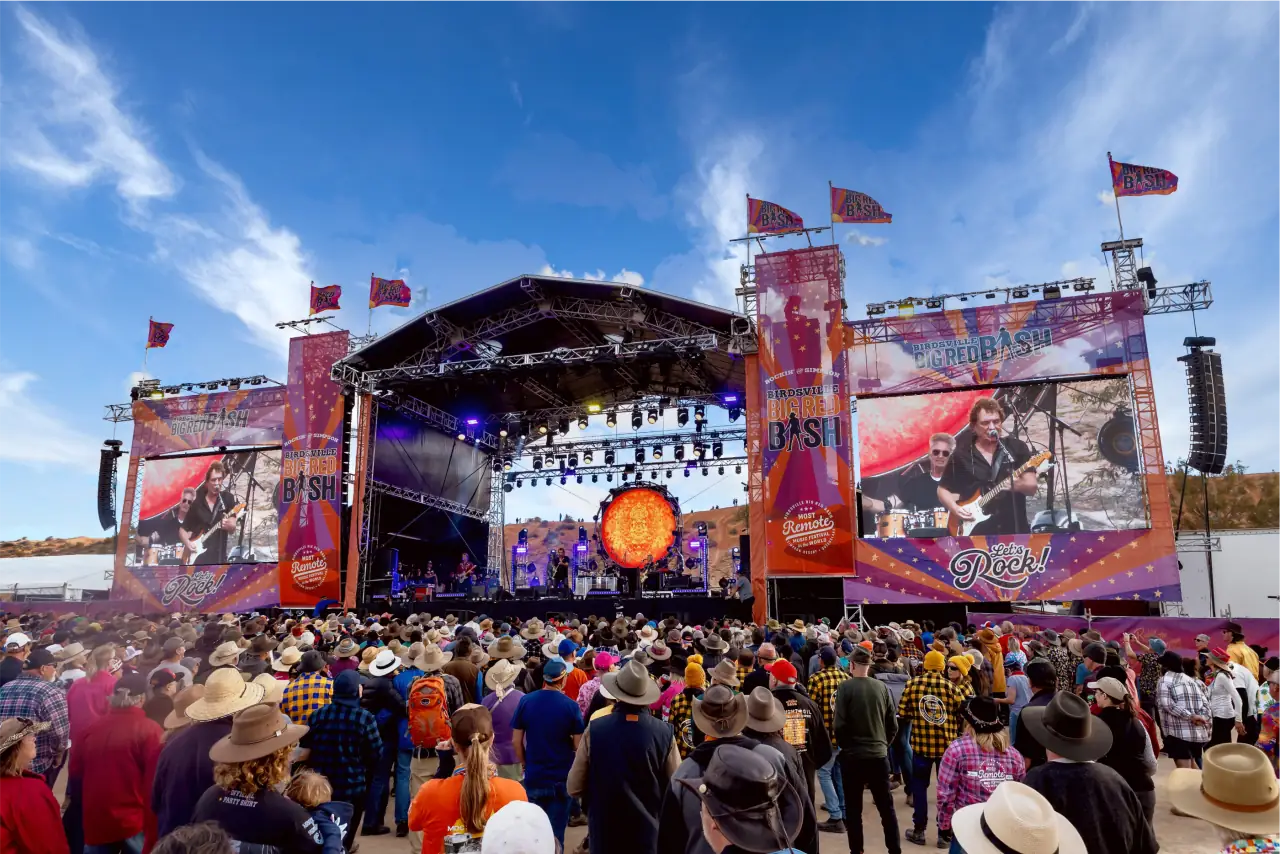
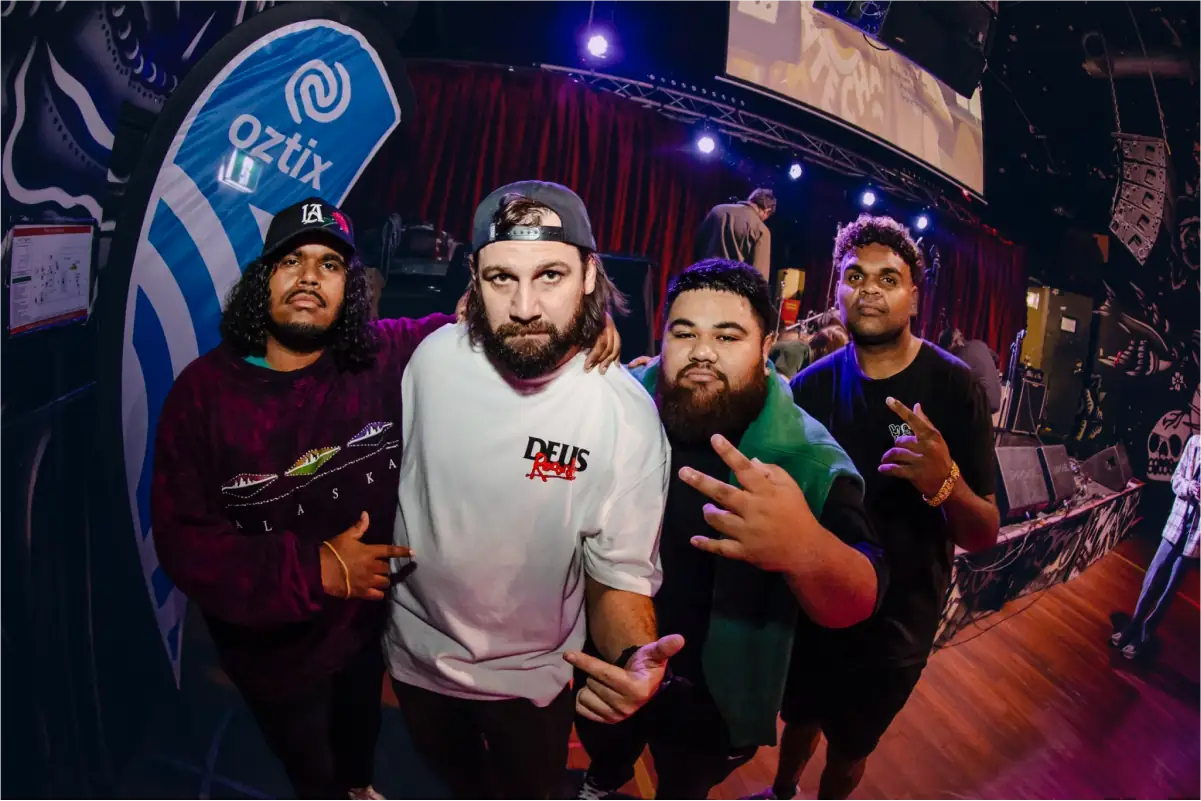
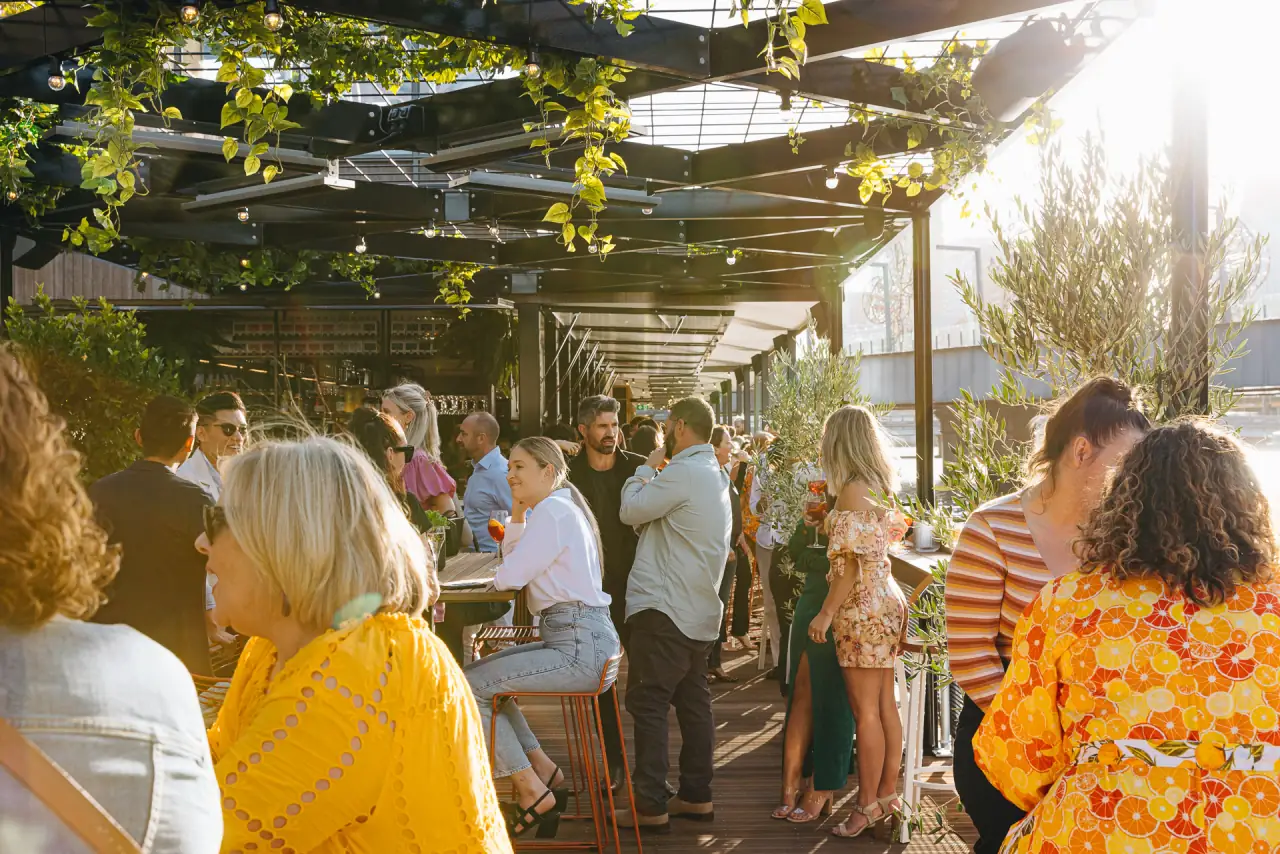
Photography captures the energy and emotion of live events, and shows the partnerships behind them across every market. These guidelines keep it consistent and authentic.
Style
Every Oztix photo has three qualities.
- Authentic, with genuine moments from real experiences.
- Dynamic, with the energy and movement that bring an event to life.
- Inclusive, with diverse audiences and experiences in every market.
Favour vibrant event photography that shows the breadth of Oztix's markets, and crowds and scale that show its track record.
Types
Event photography
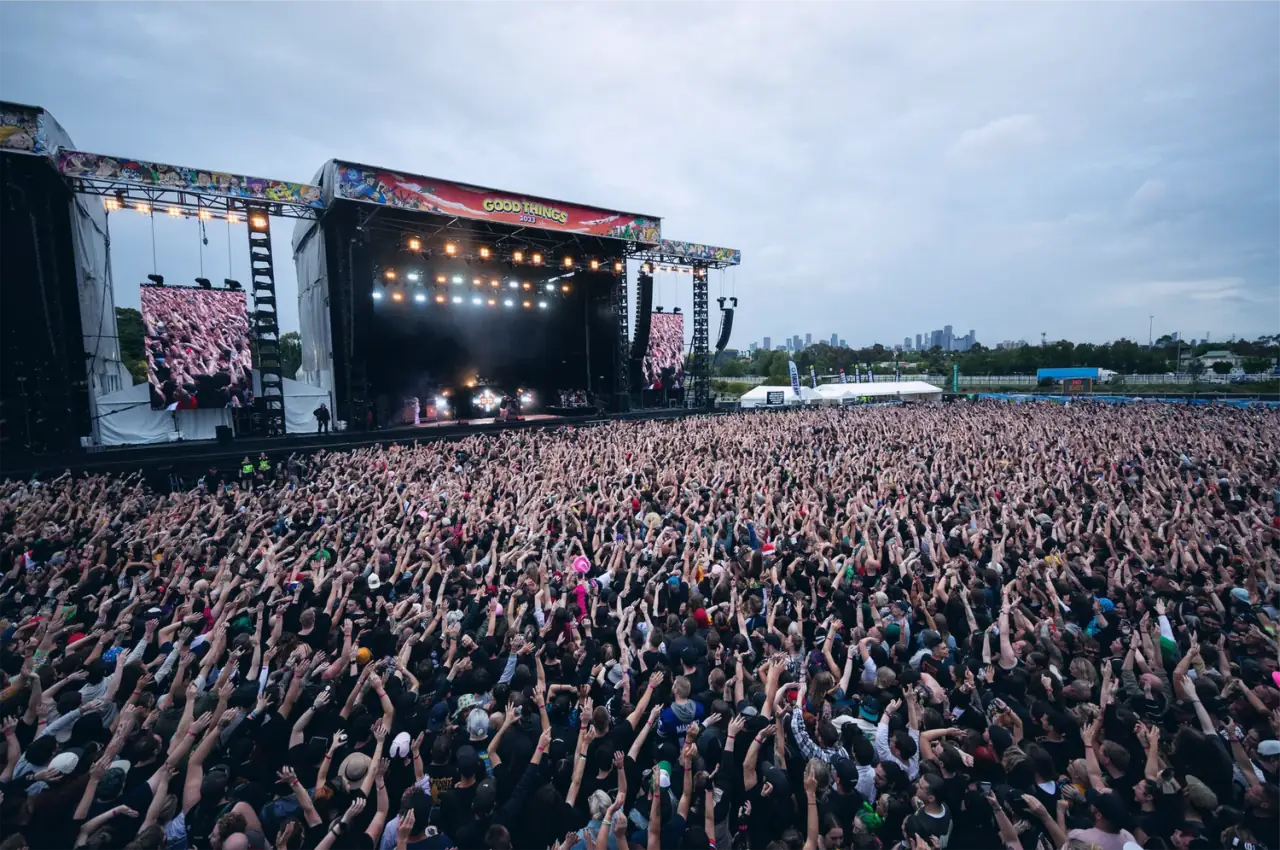
Event photography captures the energy and experience of a live event. Look for dynamic compositions with natural movement, real crowd reactions, and lighting that carries the venue's atmosphere. Mix wide establishing shots with intimate moments. Use it for hero images, campaigns, social posts, and case studies.
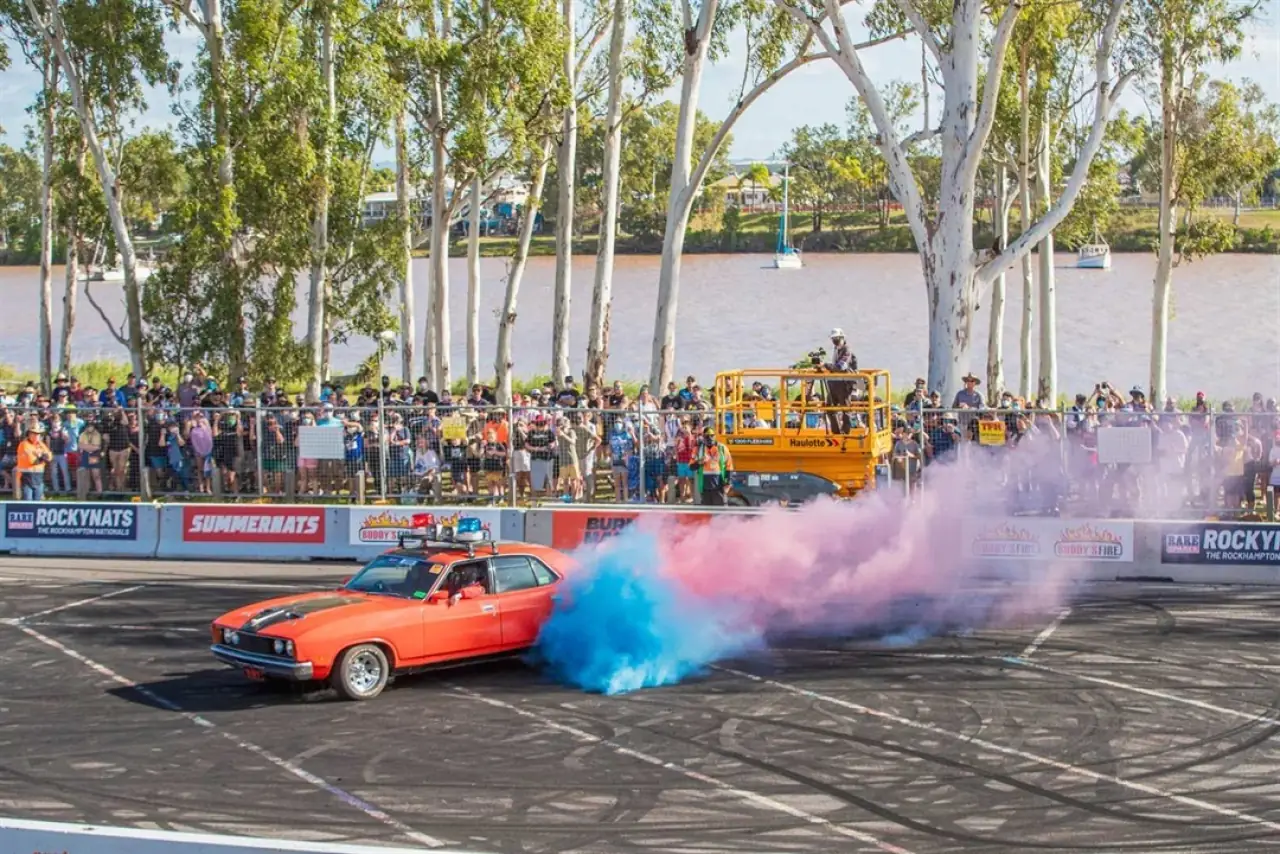
Team photography
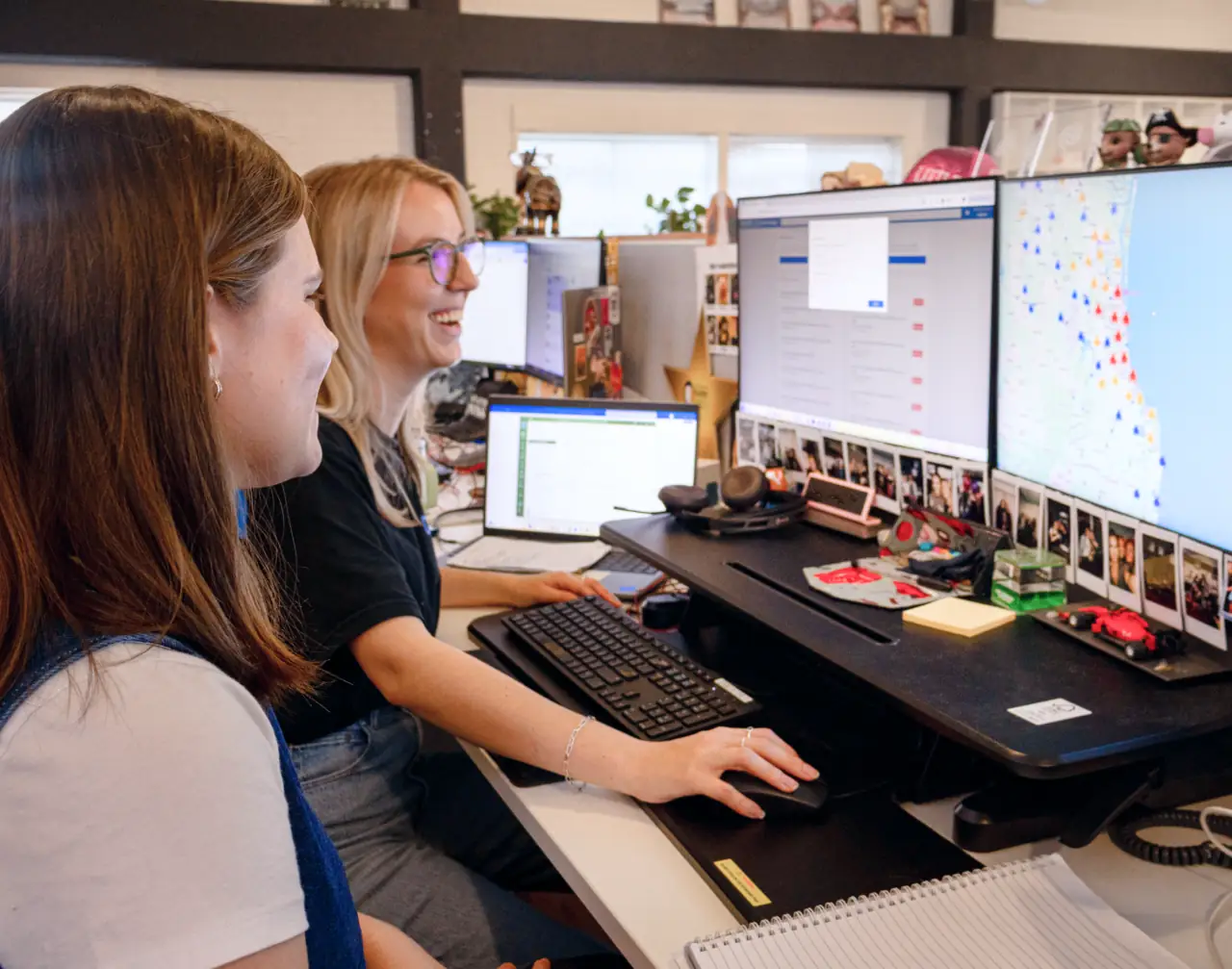
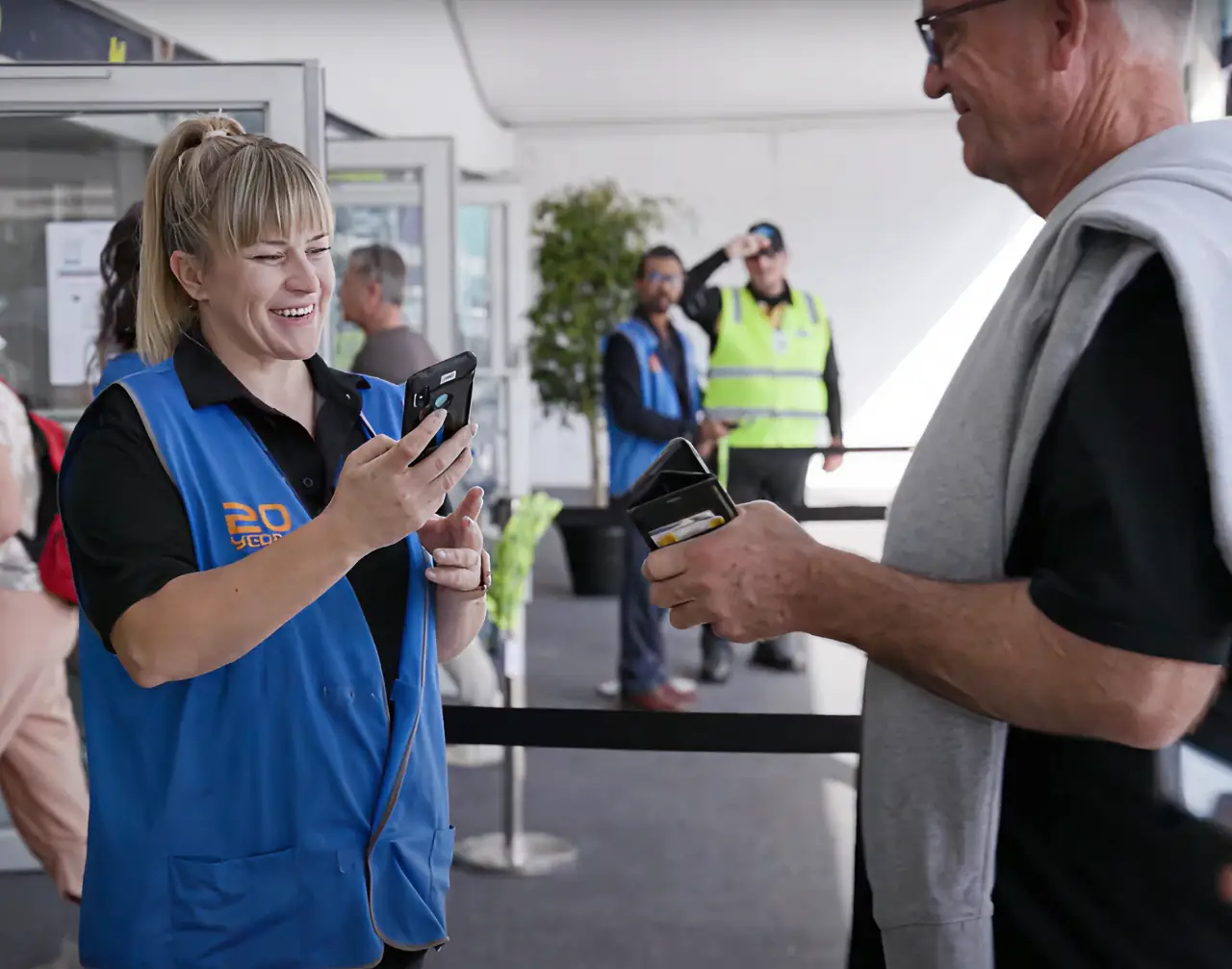
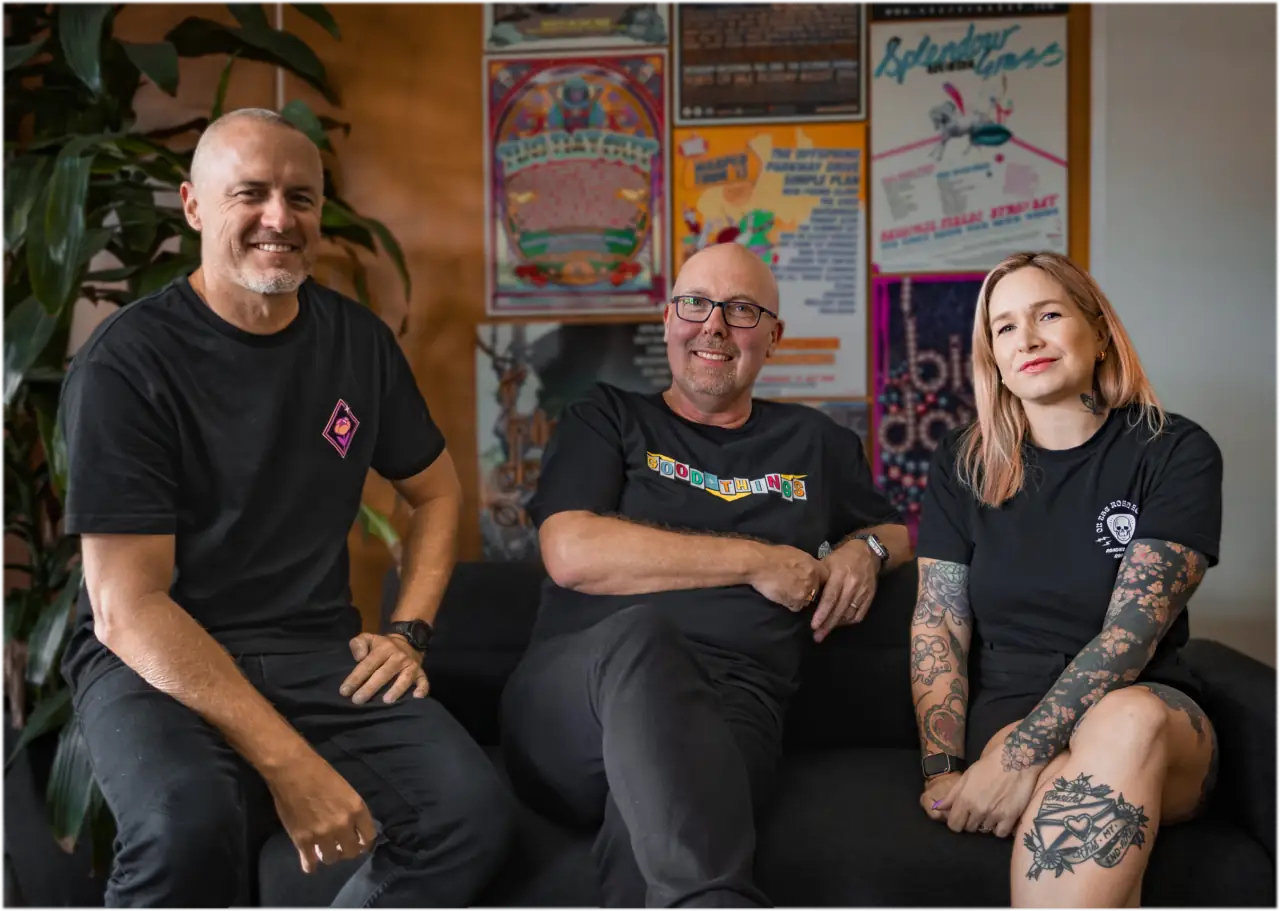
Team photography shows Oztix's people and culture in an approachable way. Keep compositions clean and minimal, with natural, diffused light, usually from a window, and natural expressions and poses.
- For portraits, frame people against a clean or relevant background, at a comfortable angle rather than straight on, seated or standing.
- For groups, capture real interactions, layer the composition for depth, and shoot from level or slightly above.
- For styling, people wear what's comfortable and fits the industry, with brand colours where they come naturally.
Use it for about pages, team introductions, leadership profiles, and case studies.
Partner photography
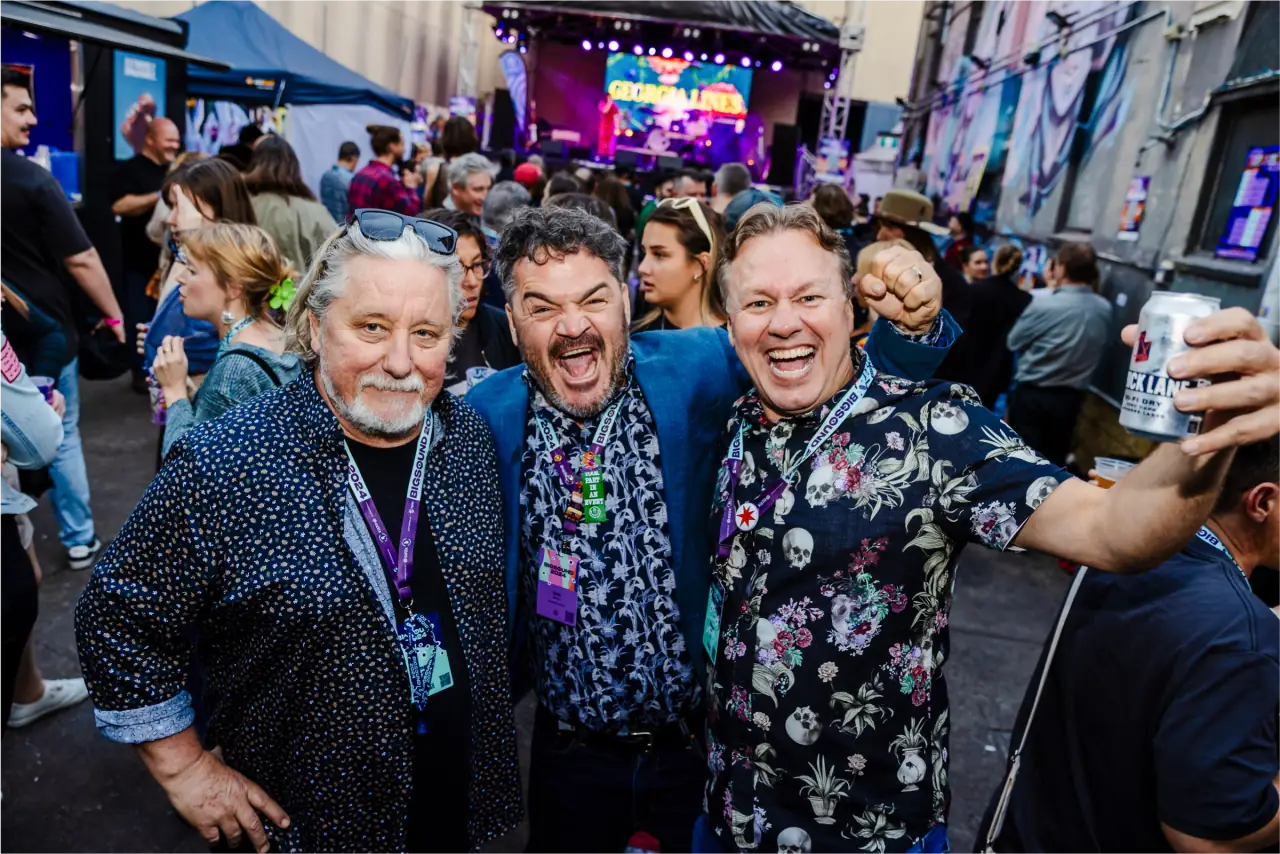
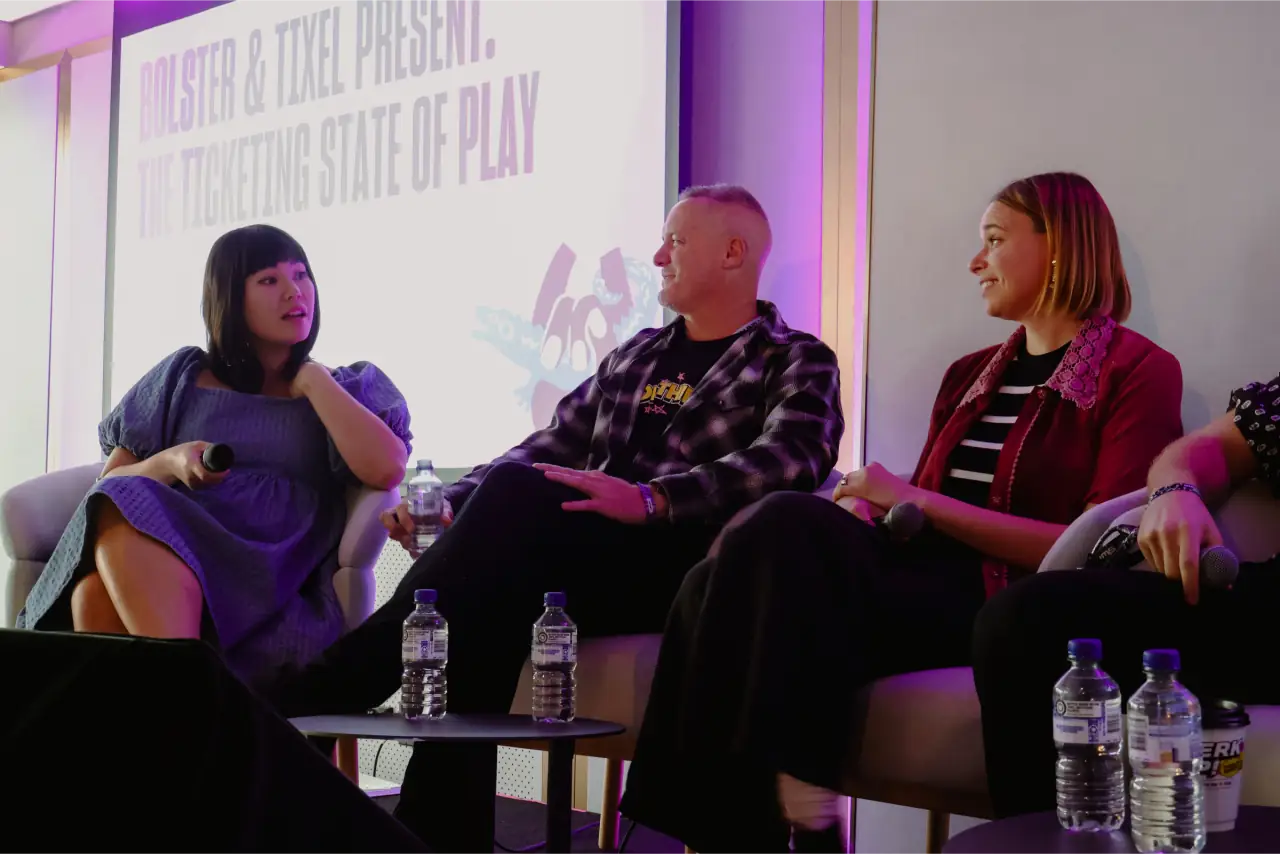
Partner photography shows Oztix's partnerships with organisers, venues, and industry professionals. Shoot natural, confident portraits on location at a venue or event, with relaxed but professional interactions that show the partnership at work. Use it for case studies, testimonials, about pages, and partnership marketing.
Venue photography
Venue photography shows the spaces where events happen. Use clean, architectural compositions of spaces both empty and in use, and capture each venue's features and character. Use it for venue profiles, platform showcases, and feature marketing.
Composition
Zoom out for energy
Wide shots show the scale and energy of an event. Use them to show large events and venues, audience size and engagement, the atmosphere, and the setting Oztix works in.
- Include the surroundings that show scale.
- Capture the crowd's energy and movement.
- Frame the venue's key features.
- Use natural light to carry the atmosphere.
Zoom in for connection
Close ups show the human side of an event. Use them for individual experiences, emotional reactions, team members and partners, and personal stories.
- Frame subjects against clean backgrounds where you can.
- Capture real expressions and interactions.
- Plan how the subject will be cut out for the pattern.
- Leave room in the frame for the pattern.
With pattern and illustration
The pattern and illustrations can join a photo to make a distinctly Oztix image.
For a close up, set the pattern behind the subject.
- Start with a well composed close up on a clean background.
- Cut the subject out with a mask.
- Place the pattern behind the subject.
- Scale the pattern to complement the subject, not overwhelm it.
- Keep natural edges and shadows, so the subject sits in the scene.

For a wide shot, use the pattern or illustrations as a subtle overlay at low opacity, as a frame around the edges, or inside a title card or text block.
Specifications
| Use | Resolution | Format | Colour space |
|---|---|---|---|
| Digital | 2000px or more on the long edge | JPG, or PNG for transparency | sRGB |
| 300dpi or more | JPG or TIFF | CMYK |
Crop digital photos to 16:9 for heroes, 3:2 as the standard, and 1:1 for social. In print, allow at least 3mm of bleed where a photo runs to the edge.
Treatment
- Keep colour natural and true to life.
- Avoid heavy filters or stylised processing.
- Hold contrast while keeping detail in highlights and shadows.
- Enhance colour subtly, towards the brand palette.
- Frame deliberately, to lead the eye to the subject.
- Give subjects room to breathe, and follow the rule of thirds.
- Never crop people at a joint.
Guidelines
- Capture real, unposed moments where you can.
- Show diverse audiences.
- Use natural light wherever it's practical.
- Frame photos with the pattern in mind, and cut subjects out cleanly.
- Don't use generic stock photography.
- Don't use filters or effects that distort reality.
- Don't let the pattern compete with or cover the subject, or add it where it adds nothing.
- Don't leave awkward edges on a cut out.
Show real moments, not stock
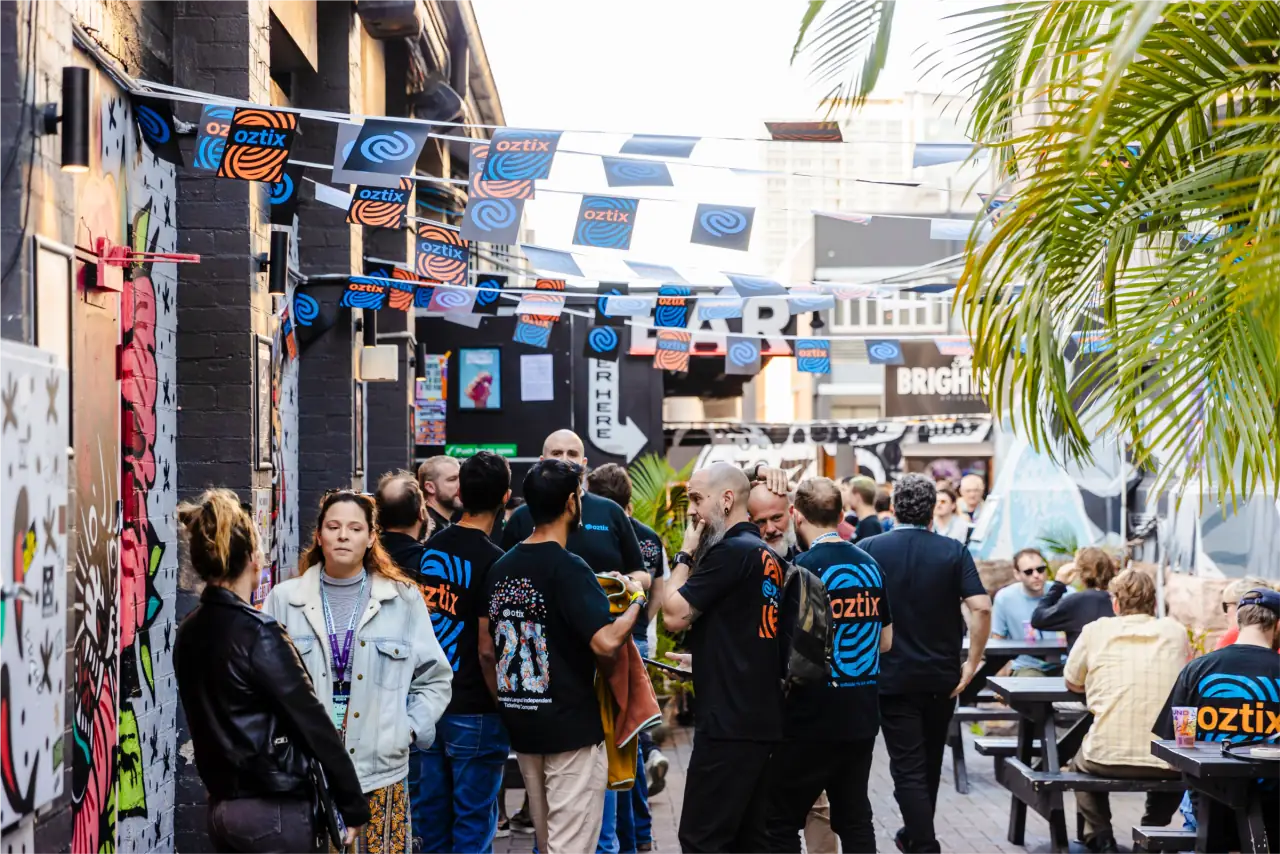
Do
A real event, with real people and the brand in the scene.
Don’t
A posed stock photo that could be anyone's event.
In Roadie
Photos in apps go through the Image component, which reserves the photo's space from the width and height you give it.